Grounded browser context
Pull the live page into the conversation so the assistant reasons with what you're actually looking at.

The native bridge between your browser
and grounded AI intelligence.
A professional sidepanel built to ground, secure, and automate
your AI workflows
directly alongside your browsing.
Pull the live page into the conversation so the assistant reasons with what you're actually looking at.
Provider keys are stored locally and encrypted, so the assistant can use them without ever exposing them to prompts, logs, or our infrastructure.
Switch models without the workspace feeling bolted together from five unrelated tools.
Specialized agentic skills — from web scraping to document analysis — invoked naturally through a single command interface.
Cross-session recall that remembers context, preferences, and prior conversations without manual bookmarking.
Chain triggers, schedules, and actions into repeatable workflows that run while you focus on something else.
Agent Focus keeps AscentialxAI connected to the page you are working on, so every skill can act with the right context.
Live conversion signals, usage limits, and upgrade friction from every customer path.
Turn prompts and automations into focused flows. Let AscentialxAI prepare, transform, and repeat the work you would rather not rebuild from scratch each time.
From document analysis and memory recall to web scraping and scheduled automations, each skill is purpose-built and invoked through a single natural interface.
Write simple guidance for how AscentialxAI should work with you. Tell it what matters, how direct to be, when to slow down, and what it should respect while helping.
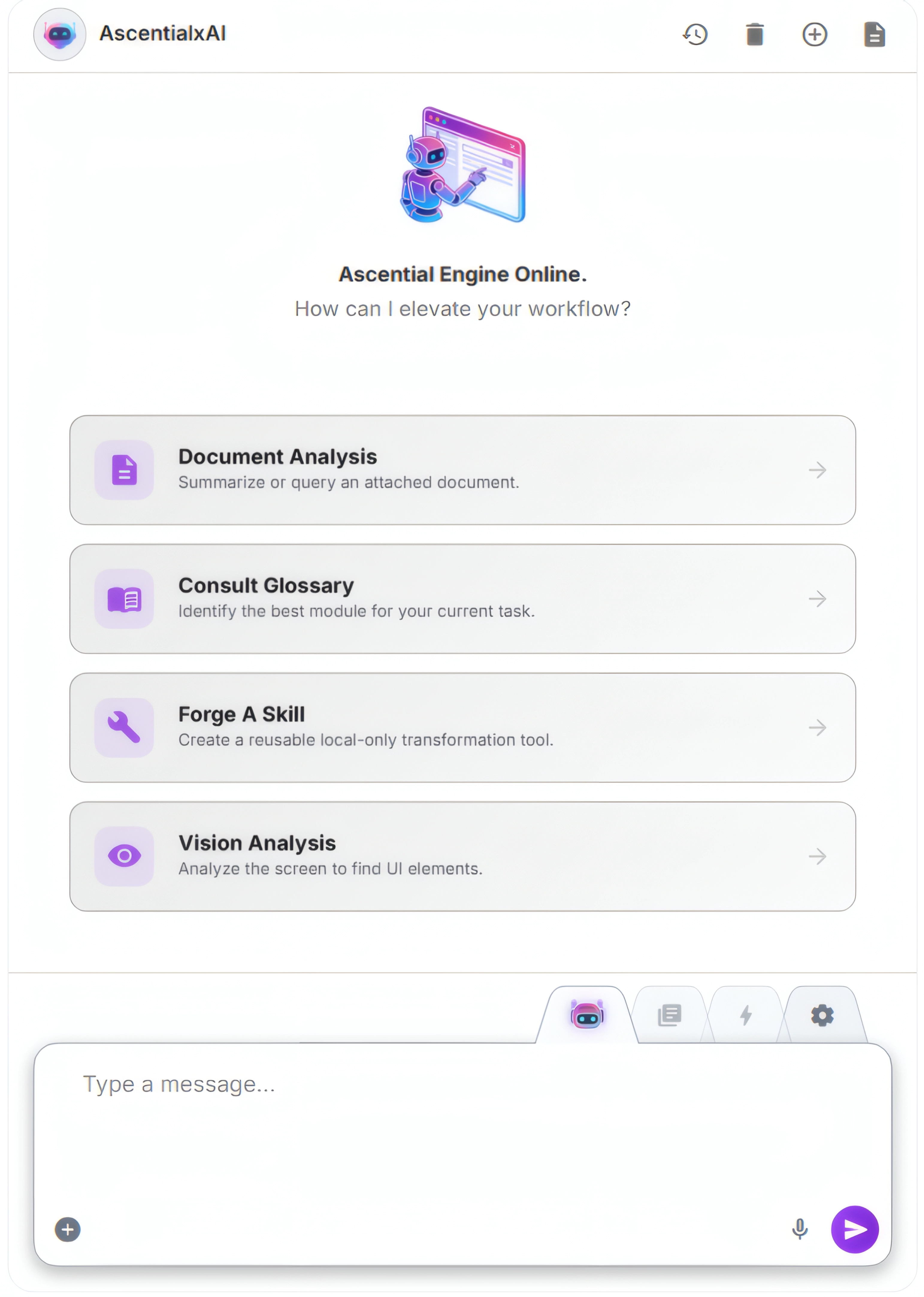
I am AscentialxAI. I help with browser work and keep useful context close.
Ask for help once, stay where the work is happening, and trust the assistant to carry the thread from request to a usable result.
Find pricing, inspect a document, summarize a policy, or compare page details without leaving the browser.
The assistant uses page context, model selection, browser movement, and skills only when the request calls for it.
The final response is normal, concise, and customer-friendly instead of exposing internal page or tool language.
The essentials, free forever. Or unlock the full assistant with a one-time Lifetime Pro license at early-adopter pricing.
The essentials, free forever.
Everything unlocked for one price.
FAQ
Everything you need to know before you install.
Lifetime Pro unlocks every feature in the assistant — Agent Focus mode, automation flows, scheduled flows, subagent orchestration, skill forging, and system prompt customization.
Lifetime Pro includes future updates and improvements to the included Pro feature set at no additional cost.
Separately sold products, usage-based services, third-party provider costs, or future add-on plans may require separate pricing.
Yes — AscentialxAI is BYOK (Bring Your Own Keys). You connect your own provider keys from OpenAI, OpenRouter, Google, or Straico.
Because all inference runs on your provider account, there are no per-token usage caps on our side. You pay only for what you use, directly to your provider, at their rates.
Core skills are the built-in skills available in the Free tier: Browser with limited abilities, Memory, Document, Scraper, and Vision.
Out of the box: OpenAI, OpenRouter, Google (Gemini), and Straico. Each provider exposes an available model list, so you can pick the right model per task.
AscentialxAI is designed to keep your setup inside the browser. Your provider keys, conversations, saved prompts, and memory are stored in browser-managed storage.
Lifetime Pro is $99 during the early-adopter window. After that, the price returns to its regular $199.
Anyone who purchases during early access locks in lifetime access at the early price, including all future updates. No price increases ever apply to existing license holders.
Lifetime Pro is sold as-is and is non-refundable. We strongly recommend trying the Free tier first to confirm AscentialxAI fits your workflow before upgrading.
The Free tier covers Omni Chat with live browser context, BYOK across supported providers, the encrypted vault, persistent memory, and the core skills — enough to evaluate the experience end-to-end.
No. Lifetime Pro is intended for one individual user and cannot be shared across separate users.
Have questions about the product? Read the documentation →